Can you believe it? It feels like summer just started, but Back to School—that time of year—is right around the corner. Involved parents make sure their kids aren't using summer as an excuse for brain rot. Whether it's completing a summer packet from school or finding activities that keep their minds engaged, one thing is clear: practice is essential.
See Also: Cash4Books (iOS)
That said, there isn't an enrichment resource that isn't valuable, but some are certainly more valuable than others. Enter Numo: Math Tutor Buddy. Promising daily math challenges across a myriad of categories, math-inspired arcade games, AI homework help, and parent progress tracking, could this be the holy grail you've been looking for? We set out to find out. Keep reading.
__________________________
Table Of Contents
• Setting Up
• In Use
• The AI Era
• The Arcade
• The Others
• Conclusion
_____________________________
Setting Up
After installation, getting started couldn't be any easier. Simply enter your name, pick a grade level, and you're ready to go. That's it.
Once those items are entered, you're brought to the home screen, which provides access to all of Numo's features. Here, you can view your daily goal and your progress toward it, see how many days you've maintained a streak, and check out your collection of stars, which are earned by completing exercises.
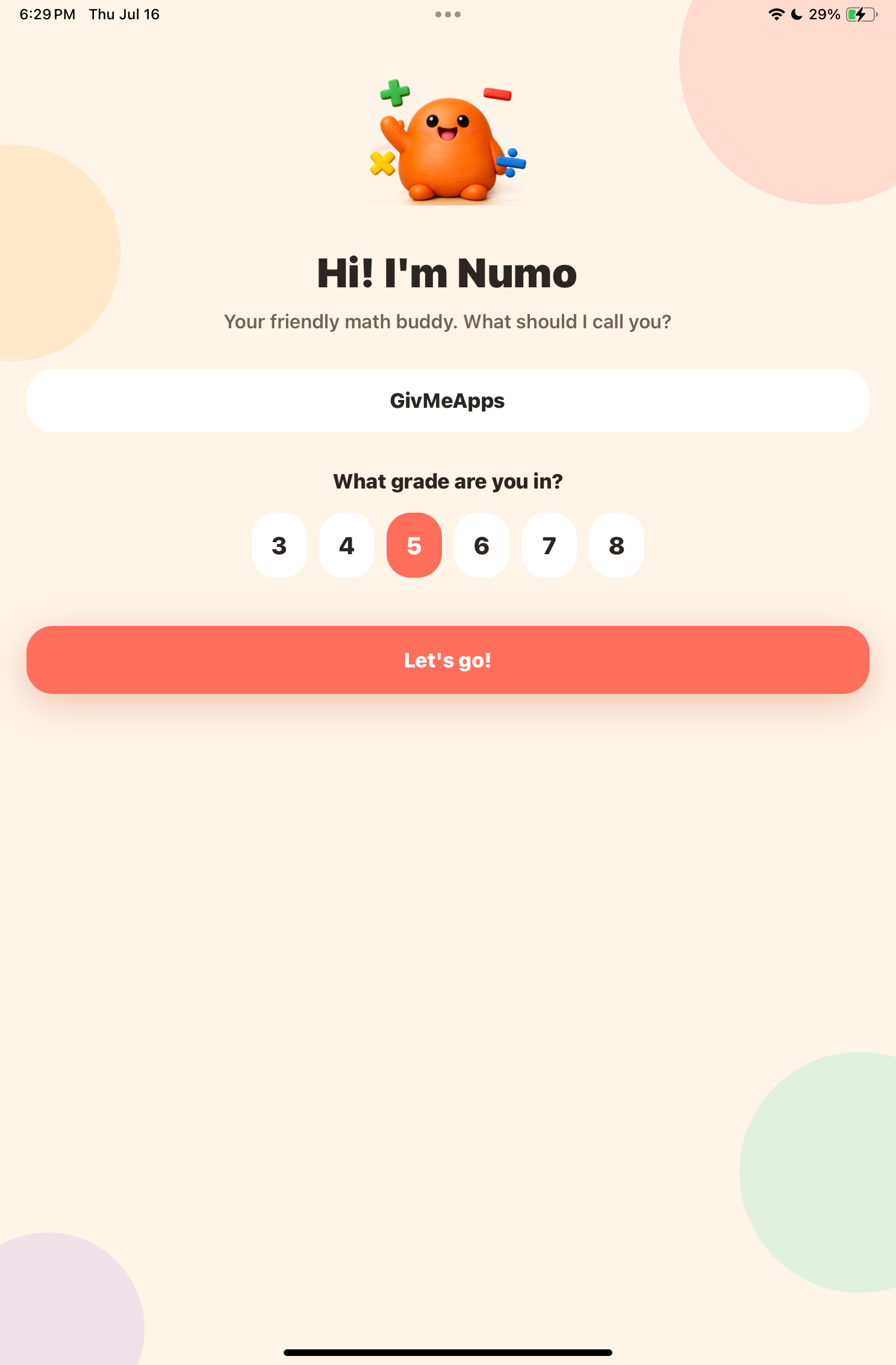
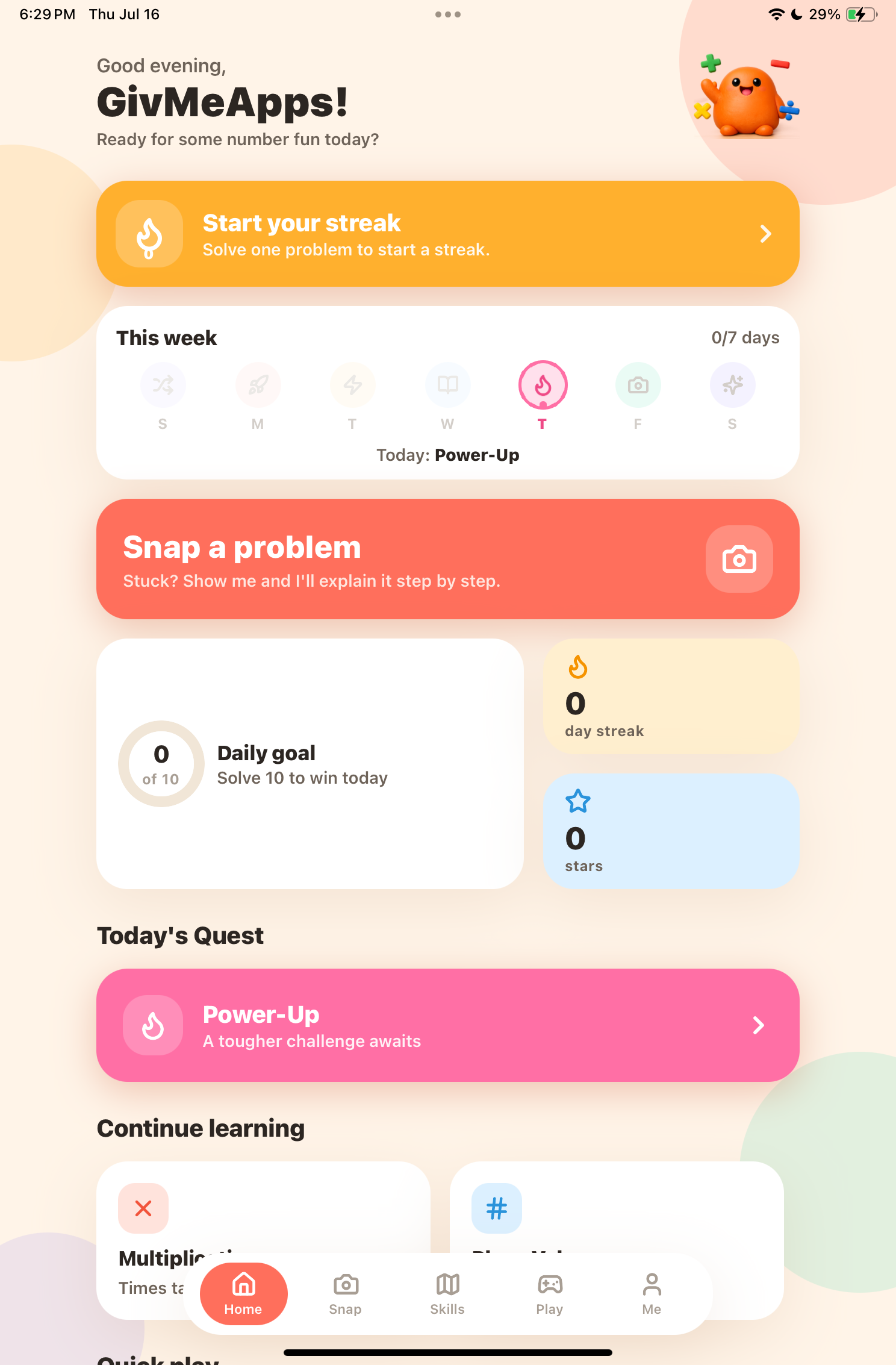
Log In And Home Screen Gives Access To Level And Feature Selection
You can also select a Power Up for tougher challenges. The Continue Learning option lets you jump back into math problems across several categories, while Quick Play takes you directly to the app's math-themed arcade games.
At the bottom of the screen, you'll find the main menu with five tabs: Home, Snap, Skills, Play, and Me.
From left to right, Snap lets you take a photo of homework or a math assignment and receive AI-powered assistance (more on that later). Skills lets you focus on a specific mathematical topic. There are dozens to choose from, including Place Value, Multiplication, Division, Fractions, Decimals, Ratios & Percent, Negative Numbers, Coordinate Plane, and much more.
We should also mention that the app is designed for students in Grades 3–8, so you'll find challenges tailored to that age group.
Play gives you access to the arcade-style games, while Me displays your profile information. From there, you can change your grade level, adjust your daily goal, toggle sound effects, review badges, and access the Parent Dashboard.
In Use
When you set your Daily Goal—let's say 10—your objective is to complete 10 challenges. Each challenge can contain multiple questions.
We won't go through every category, so we'll use Multiplication as an example. Once selected, you're presented with multiple-choice multiplication questions, each with four possible answers.
One of our first questions asked, "A recipe needs 4 cups of flour per loaf. How many cups are needed for 6 loaves?"
Choose the correct answer, and the app immediately lets you know. Choose the wrong answer, and you're given a detailed explanation showing how to solve the problem correctly. Every correct answer fills your progress bar a little more.
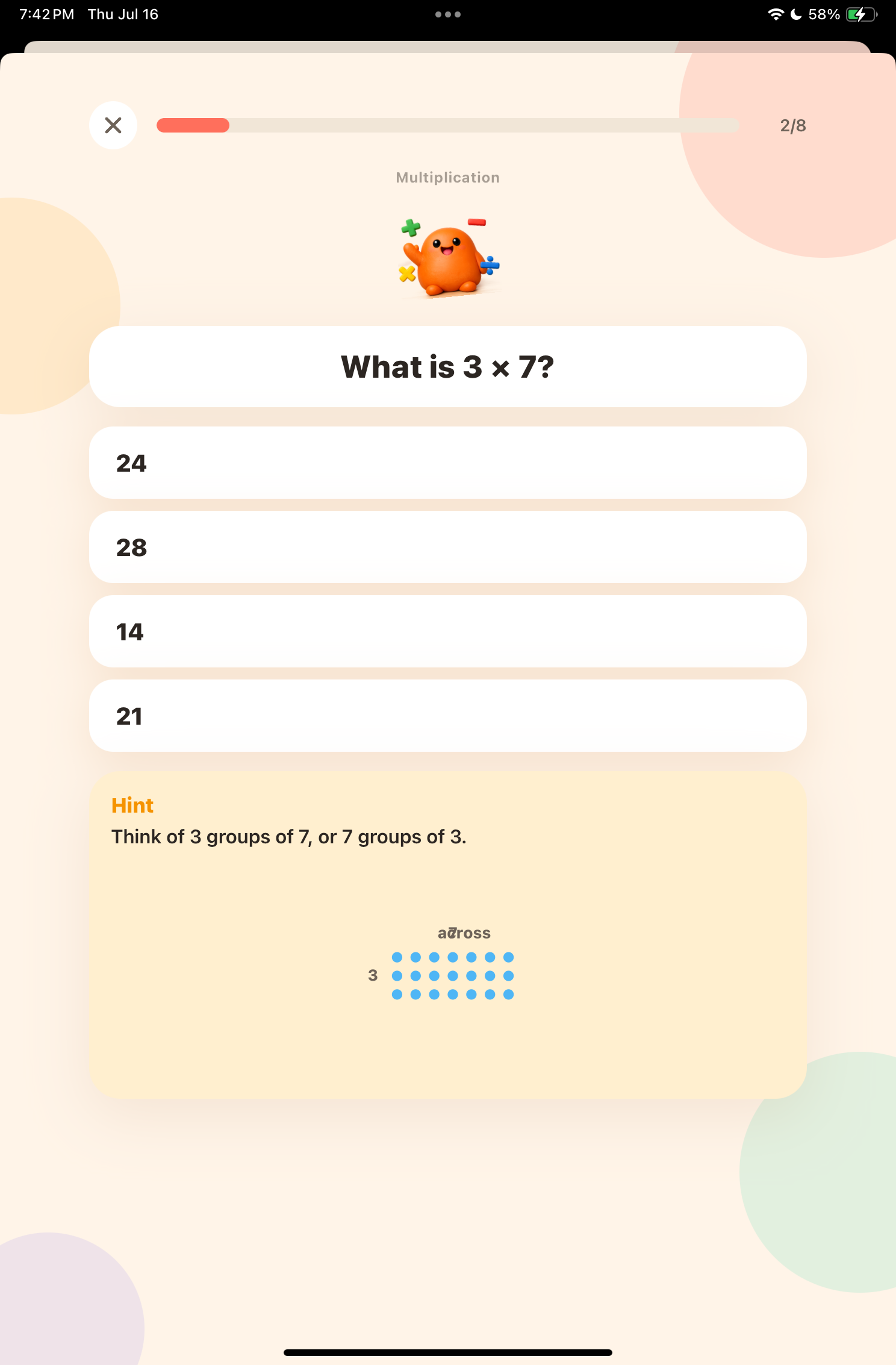
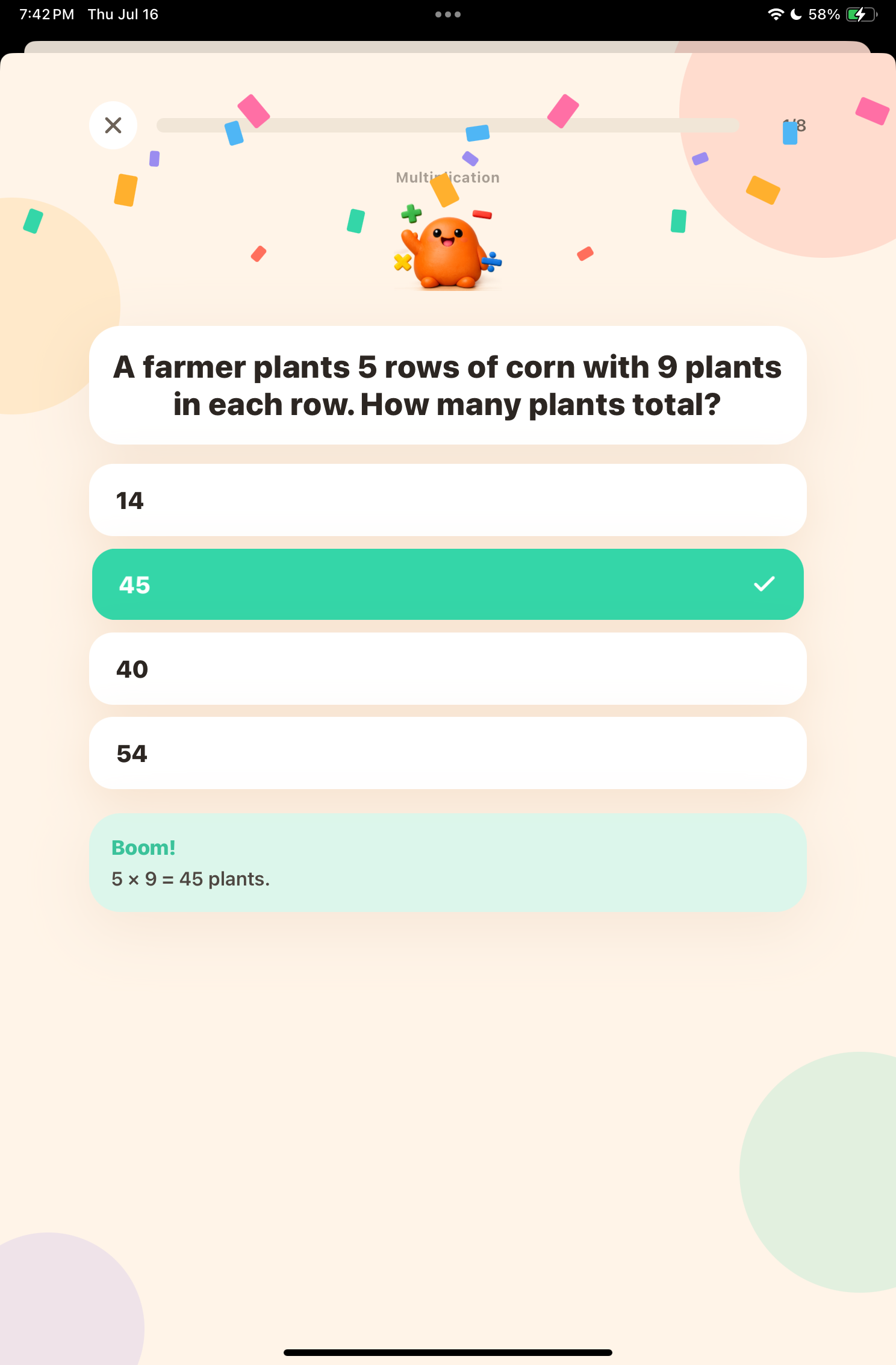
Numo Allows For Step-By-Step Hints To Guide Problem Solving
Of course, the goal is to answer every question correctly. If you get stuck, simply tap Need a Hint. The app breaks the problem down step by step, revealing a hint at each stage. If the first hint is enough, you can answer immediately. If not, it will provide up to three hints.
Each time you play, you're presented with different questions. During our testing, we didn't encounter any repeats. Nice touch.
If you get tired of multiplication, no problem. As mentioned earlier, there are plenty of categories to choose from, each filled with challenging problems.
The AI Era
The most exciting feature for us was the app's AI integration.
Numo promotes its Snap feature, which lets you either take a photo of homework you're currently working on or choose one from your photo library.
To test it, we printed several math worksheets from the internet containing basic addition problems. We snapped a photo and—voilà—the app immediately recognized the worksheet and prompted us to begin entering answers. It also provided AI-generated, step-by-step explanations for every problem.
Truthfully, we've been living in the AI era for a while now, but we were still impressed by how well this worked. From our perspective, this is the feature that will get the most mileage.
In our video, you can see the app break down 23 + 25 into roughly five easy-to-follow steps, coaching the student through the entire process. If the student stays focused, it's about as close as you can get to having a tutor sitting beside you.
That said, we'd still recommend adult supervision to make sure students stay on task.
The worksheet we used contained about 24 problems. Numo recognized every single one of them. Better yet, we didn't have to retake the photo even once. Technology is getting really good in this space.
See Also: Word Guru (Android)
The Arcade
No, you won't find shoot-'em-up games here—and honestly, we're glad you won't.
The Arcade currently offers three games: Number Ninja, Fraction March, and Closer Wins.
These games present back-to-back math problems under a time limit while giving you three lives. Quick thinking is essential.
Run out of lives and, just like nearly every game for the last fifty years, it's game over... or is it?
Instead of simply ending the game, Numo explains what you answered incorrectly and shows you how to solve it. That's a great educational touch.
We'd love to see additional arcade games added as the app's user base grows.
The Others
The app also includes a Parent Dashboard, accessible from the Me page. After creating a PIN, parents can monitor their child's progress.
The dashboard tracks the number of problems solved each week, overall accuracy, the days the app was used, the selected learning level, Power Up usage, and the skills that need additional support.
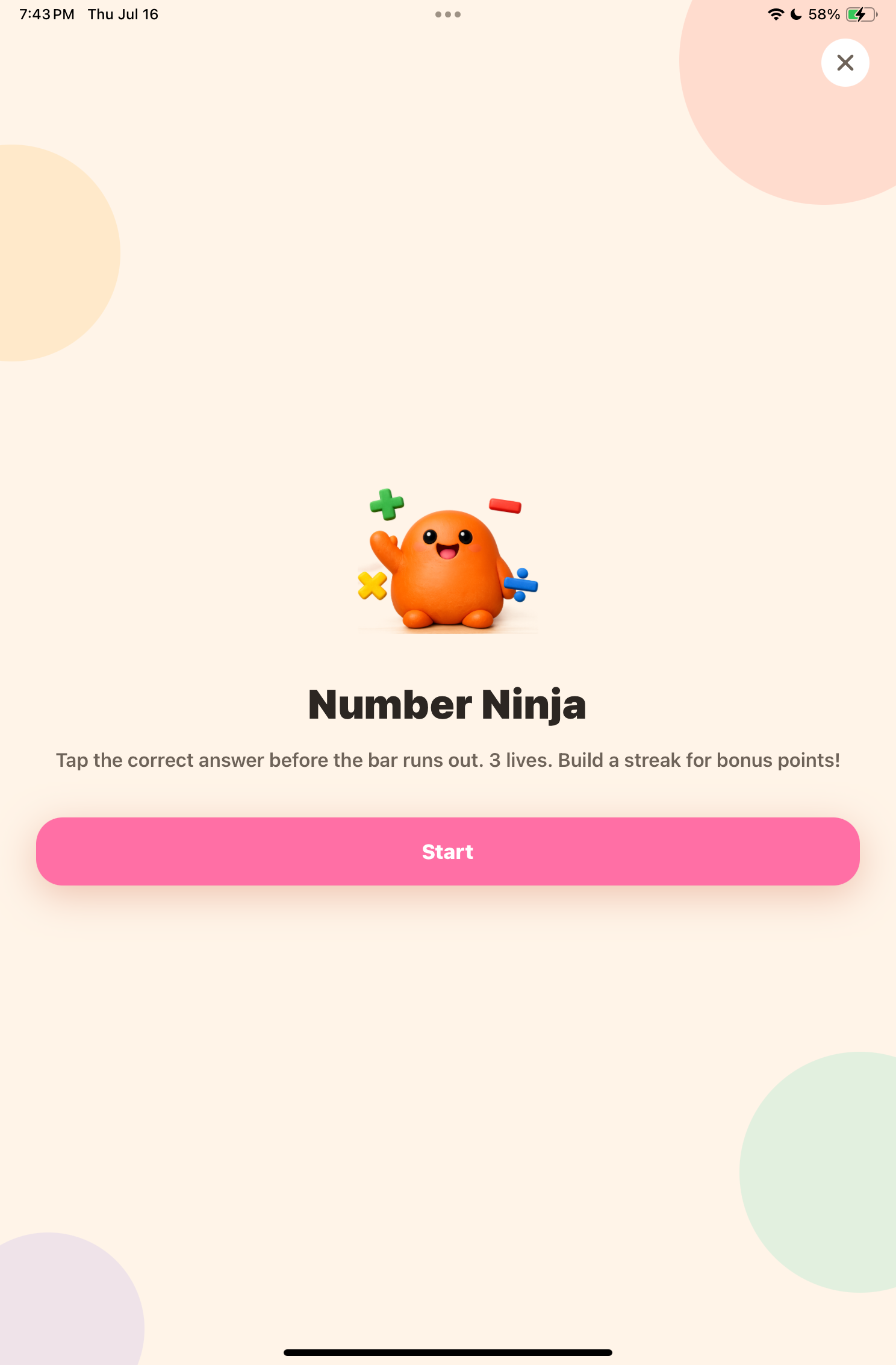
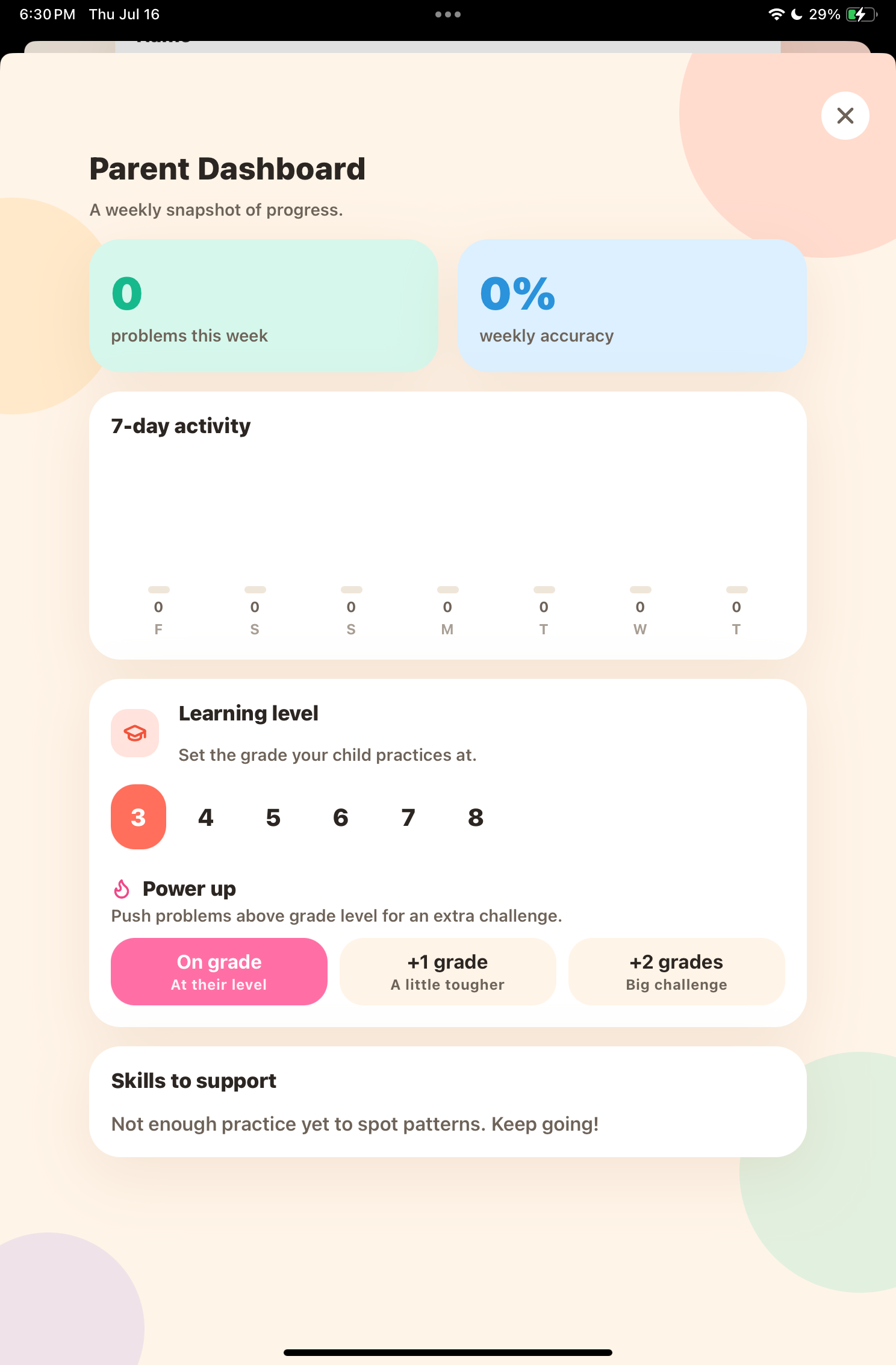
Numo Includes Arcade Styled Challenges And A Parent Dashboard
We deliberately answered a number of multiplication questions incorrectly just to see how the app responded. As expected, the Skills to Support section flagged Multiplication with an 85% score across 13 attempts.
Ouch.
While we intentionally tanked our score, it clearly demonstrates how useful this feature can be for parents. You'll know exactly which concepts need extra attention.
Like many educational apps with game elements, Numo also lets you collect badges. Examples include First Step (solve your first problem), Ten Club (solve ten problems), and Week Warrior (maintain a seven-day streak). There are several more to unlock.
Sell Apps And Keep 100% Of Your Profits!
Conclusion
Is Numo worth it?
You do get a seven-day free trial. The Premium subscription unlocks all of the app's features, but naturally, it comes at a cost. Whether it's worth paying for depends on how serious you are about using it as a learning tool.
Its AI-powered features give it a significant edge, and the sheer number of math skills it covers makes it a genuinely valuable resource. Viewed as a long-term investment over the course of a school year, the cost becomes fairly minimal.
We'd recommend it.
Some of the biggest positives were the complete lack of bugs during testing, the impressive number of skill categories, the encouragement to tackle more challenging problems beyond your current grade level, the excellent Parent Dashboard, and, of course, the outstanding Snap feature.
Download it here for iPhone/iPad.
Like This App Review? Chat About It And More In Our GiveMeApps Community!